









%20v2.avif)





We help schools use technology to deliver better education
As a trusted advisor to hundreds of UK schools, we'll help you ensure your technology enhances teaching, learning, safeguarding, and your school community.


















Here to help you create impact
The best approach to help you create impact from technology - whether your existing technology or possible upgrades - is working with a specialist who understands education. After over twenty years supporting schools, below are some of our key products and services.

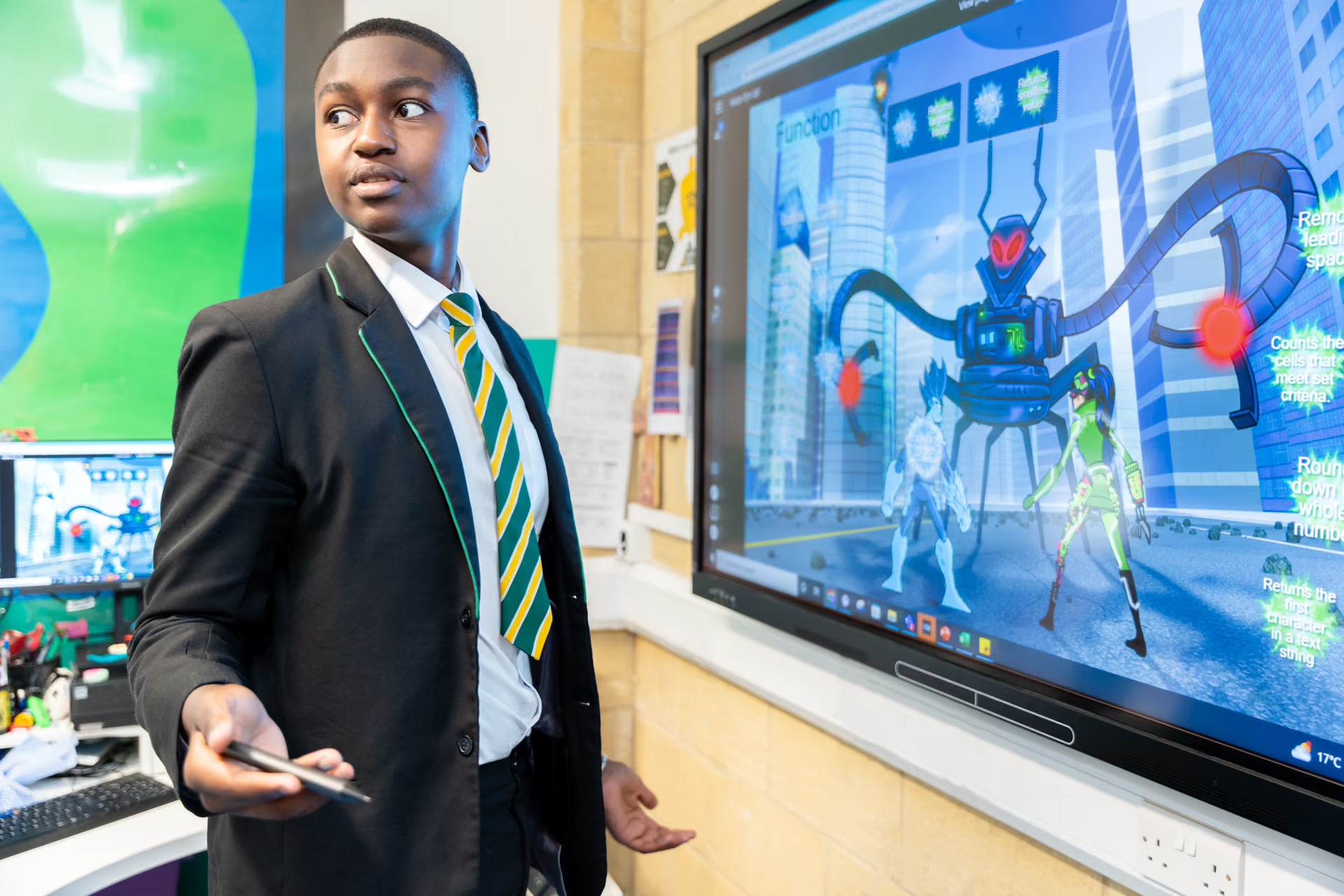
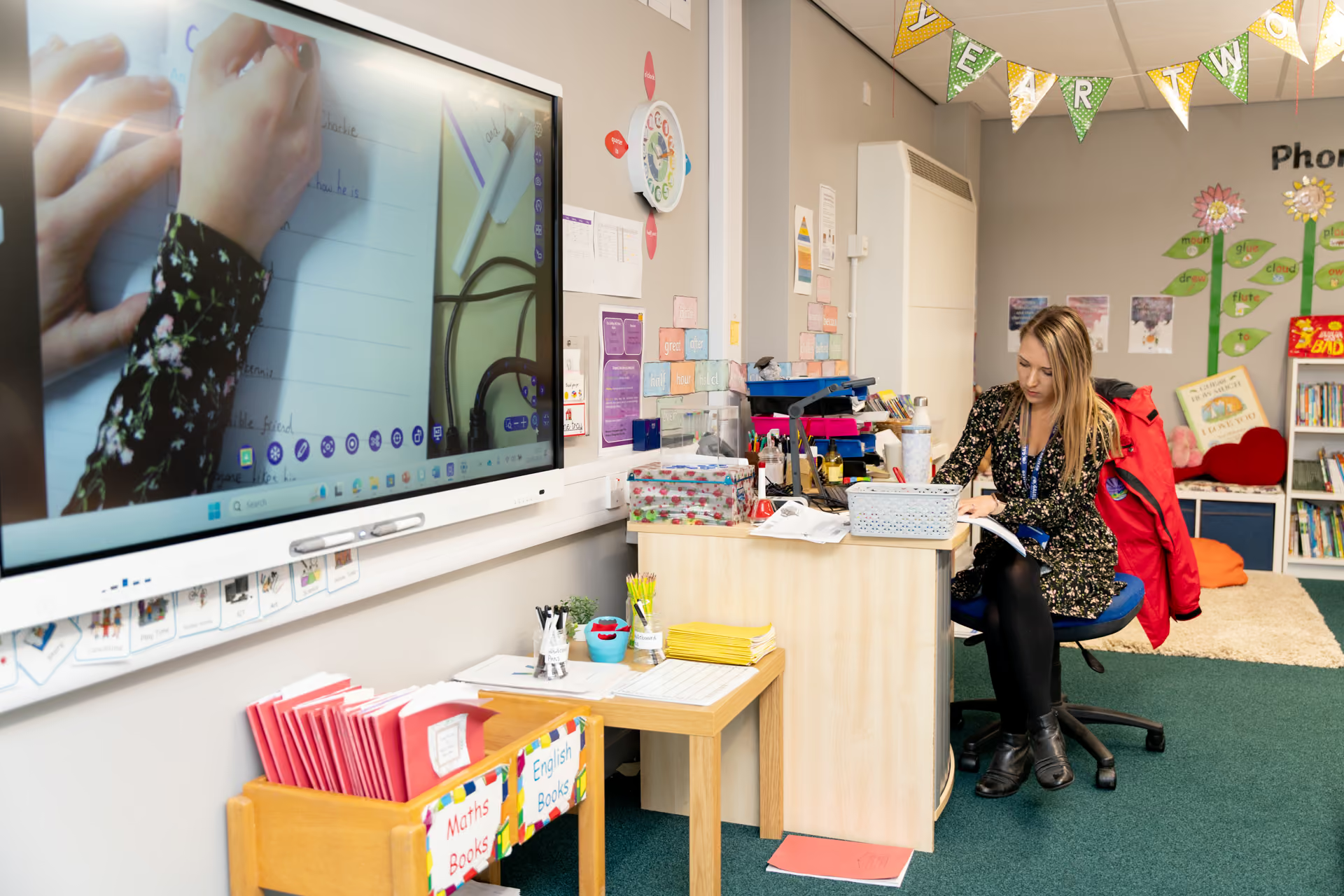
Classroom Technology
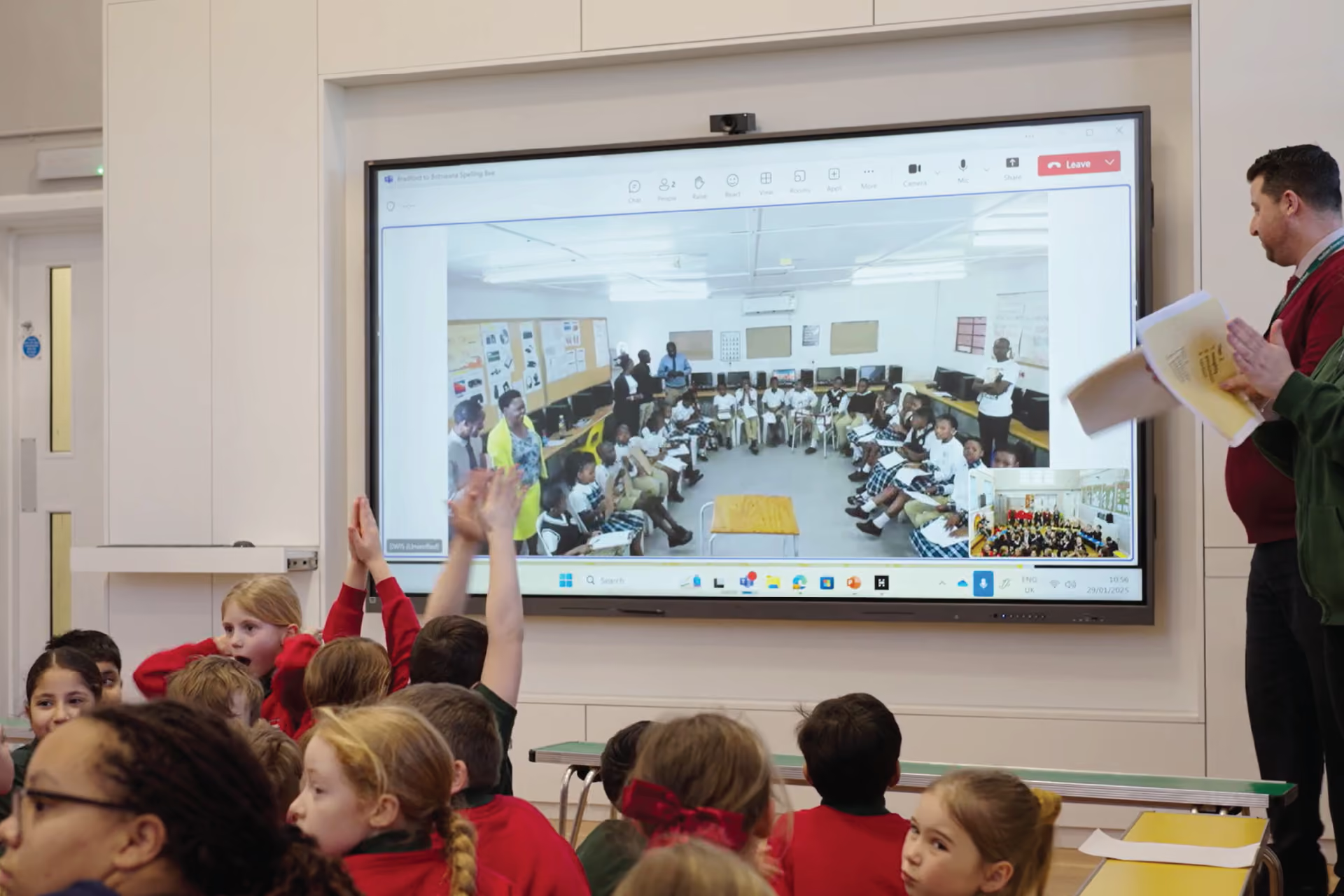
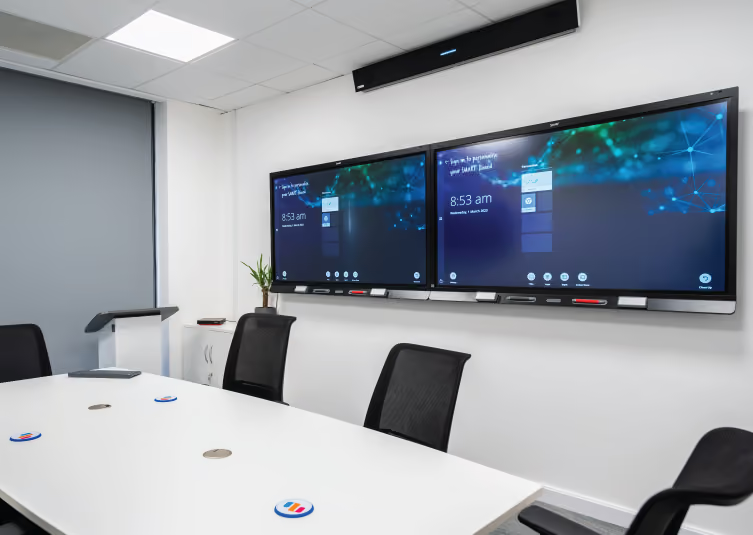
We upgrade thousands of classrooms each year, and lead the way in providing independent advice across all the big brands

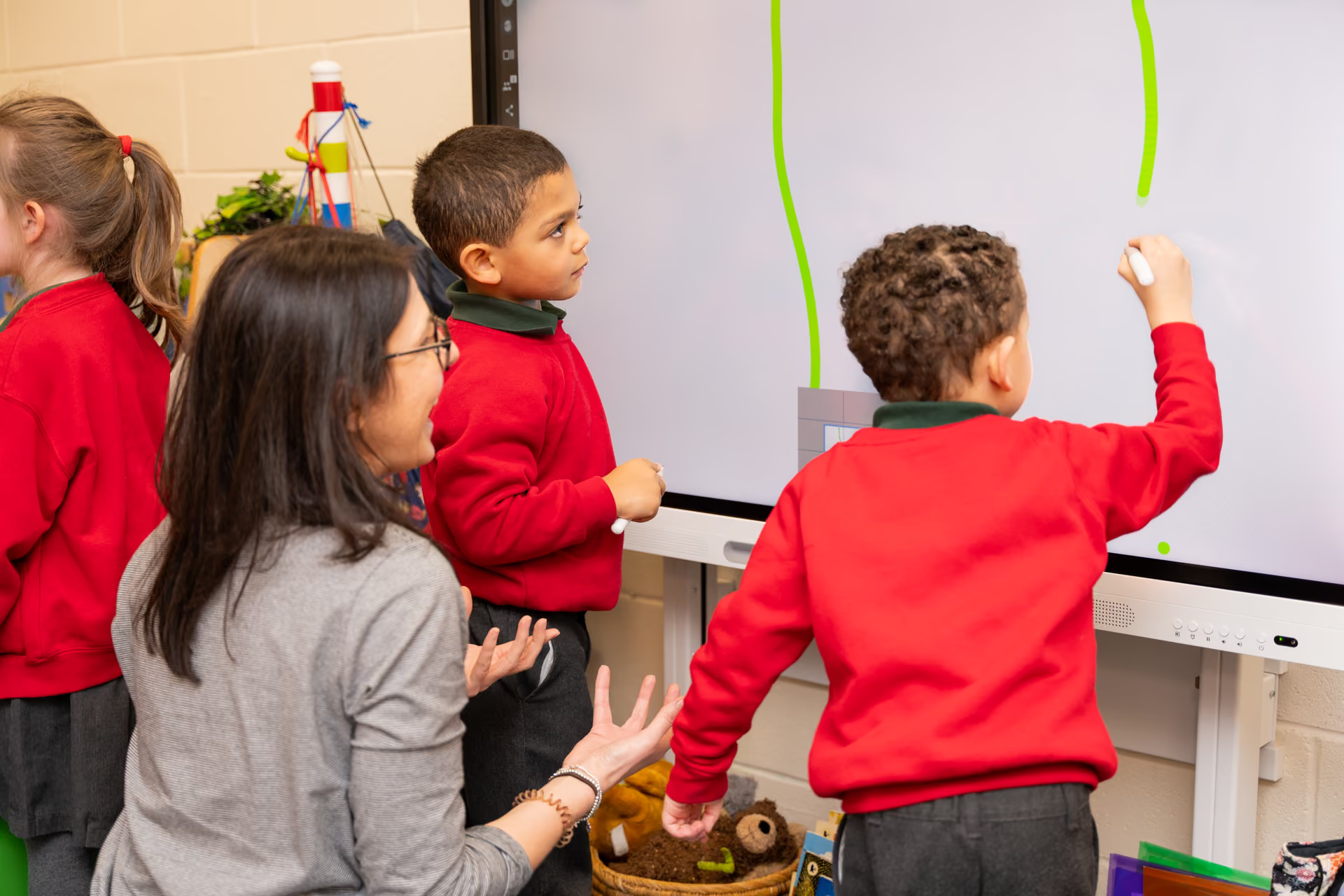
Training and CPD
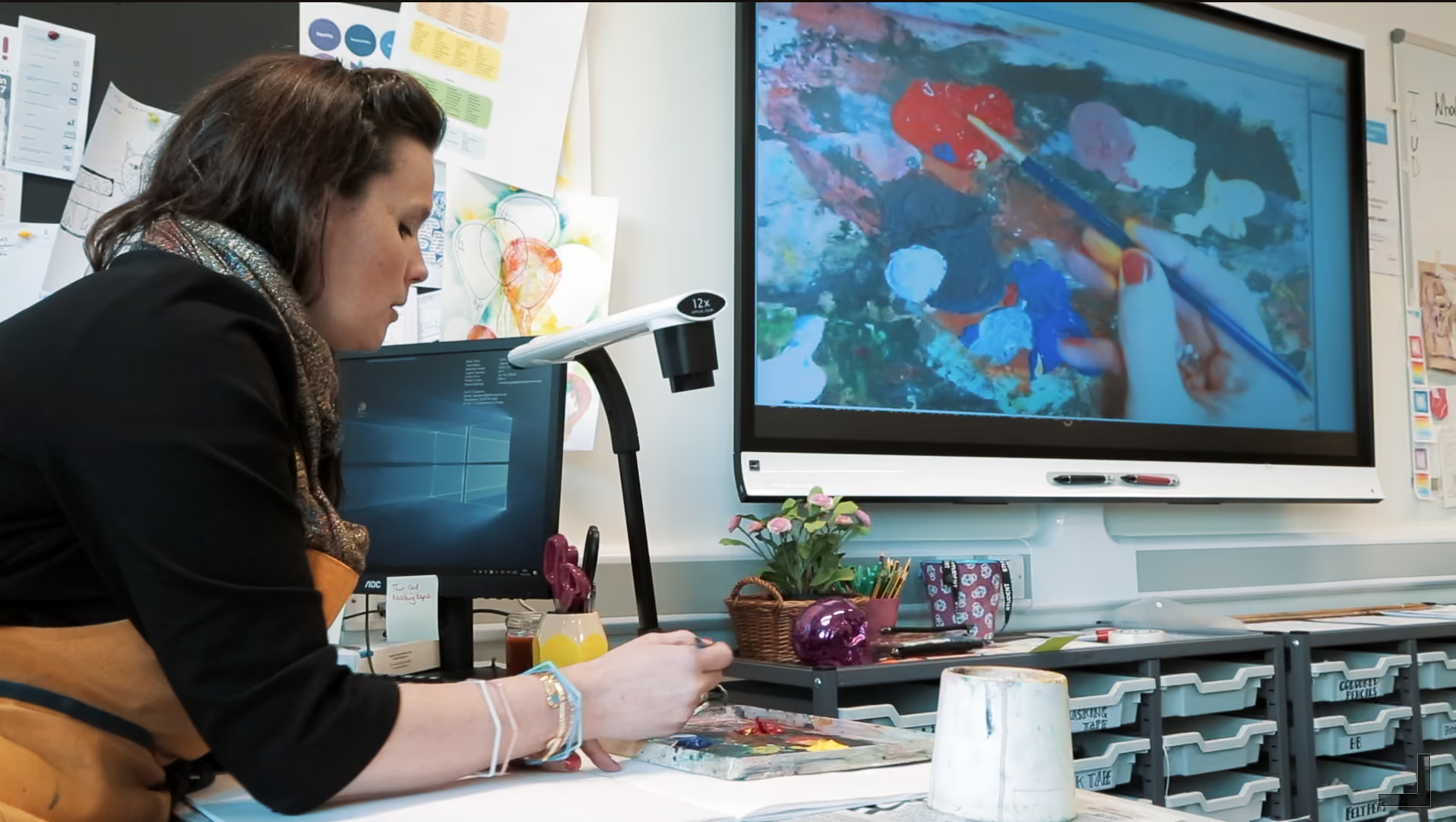
Helping teachers, leaders and IT teams develop knowledge, skills and confidence - starting with the technology you already have
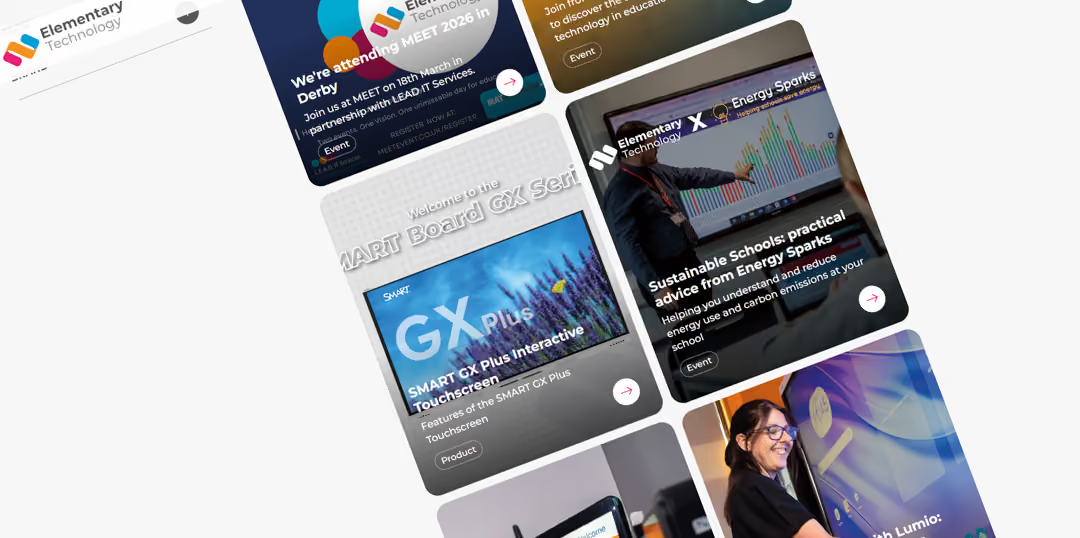
What we're up to....
Some of our research, guides, stories and events



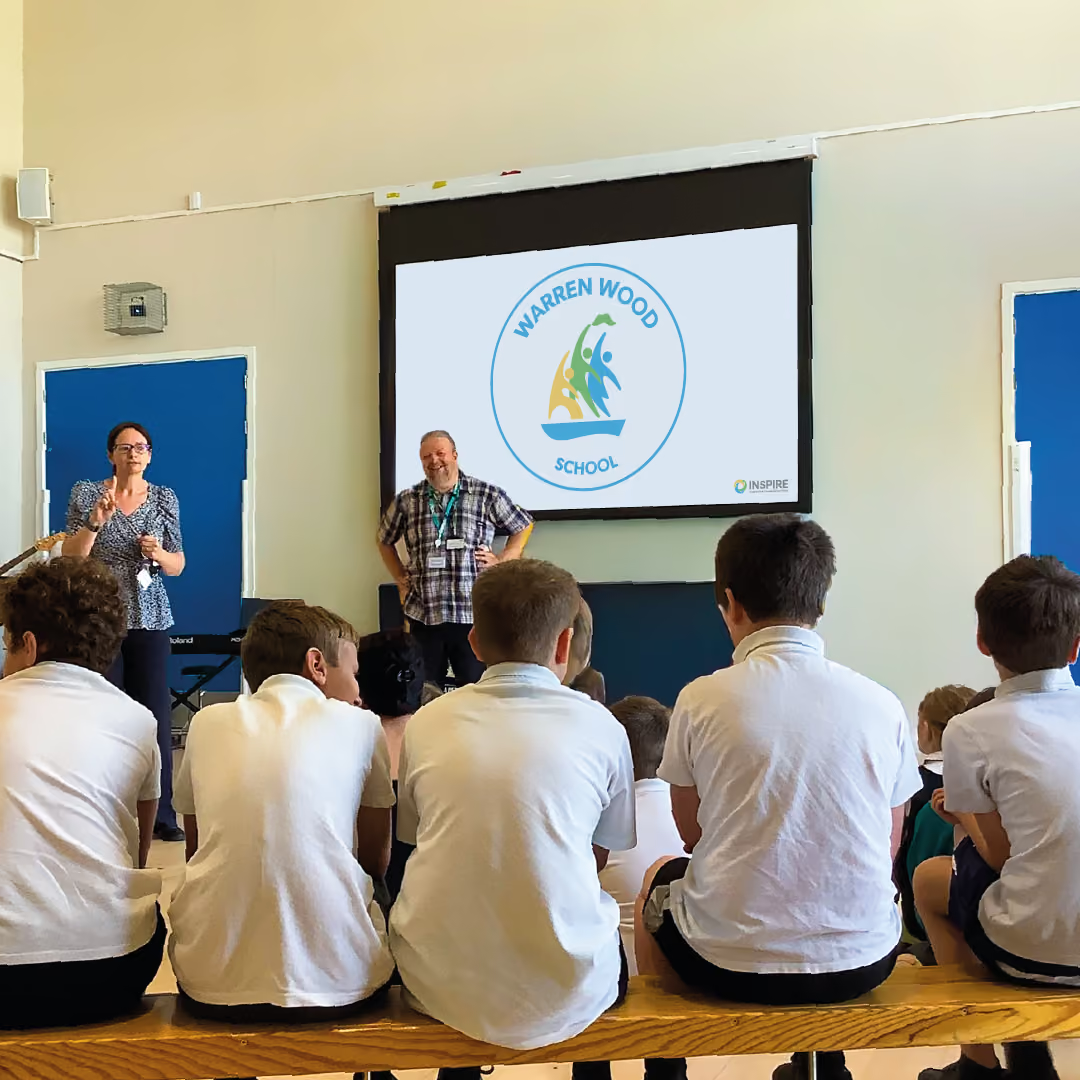
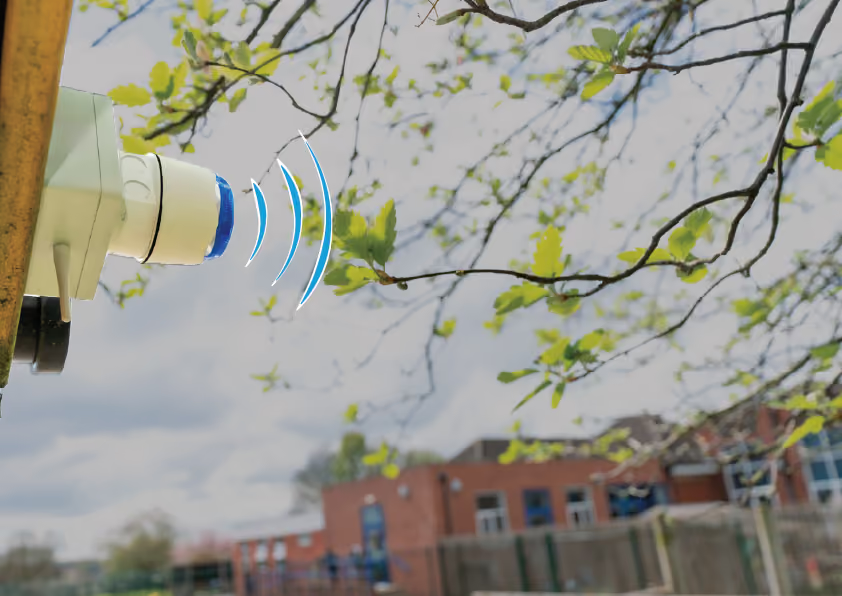
Independent Research Project: A Small School with Big Ideas
We worked in partnership with the Department for Education and Dr. Fiona Aubrey-Smith to understand the impact of technology in all areas of Keelham Primary School.







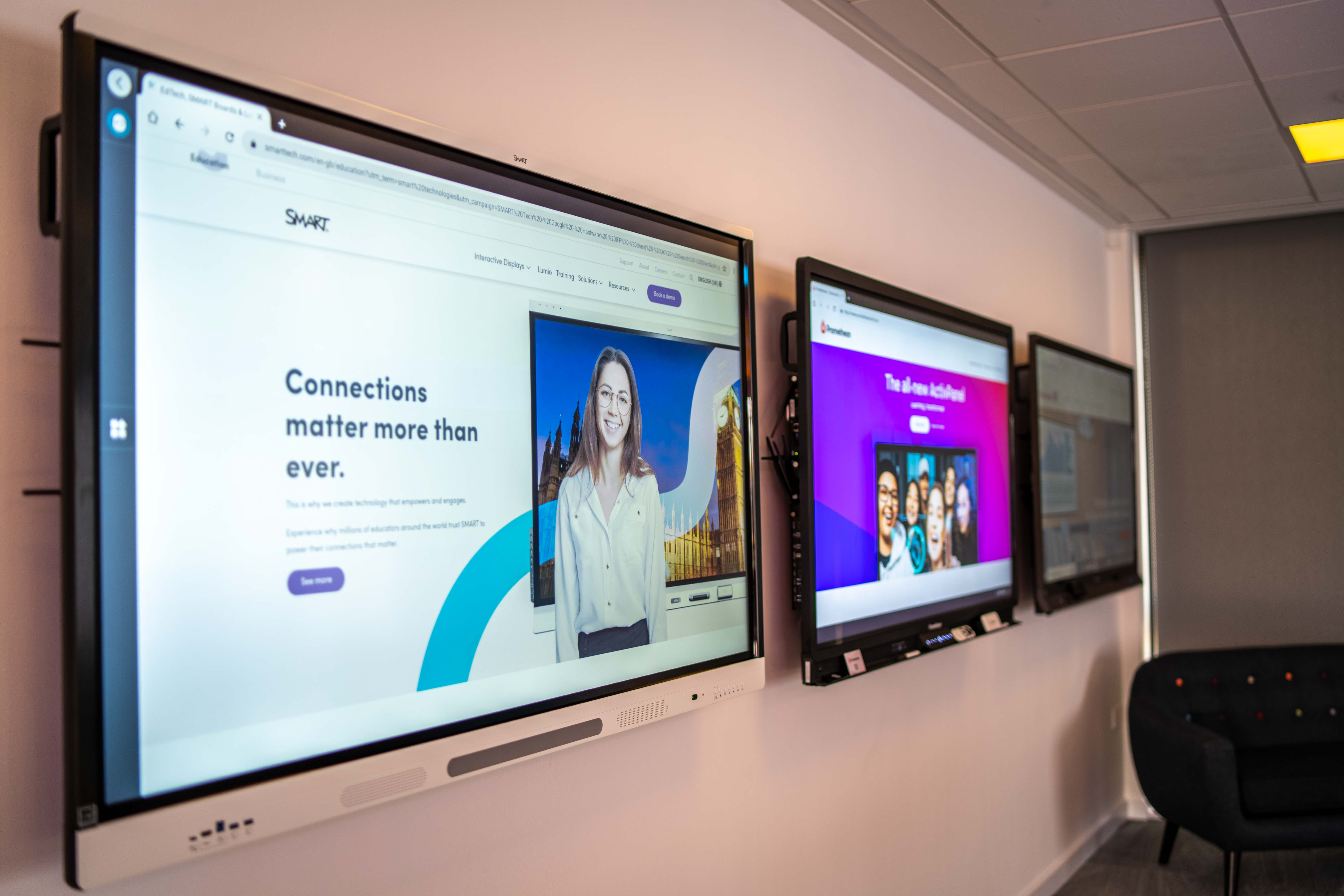
Our evidence-informed edtech roadmap

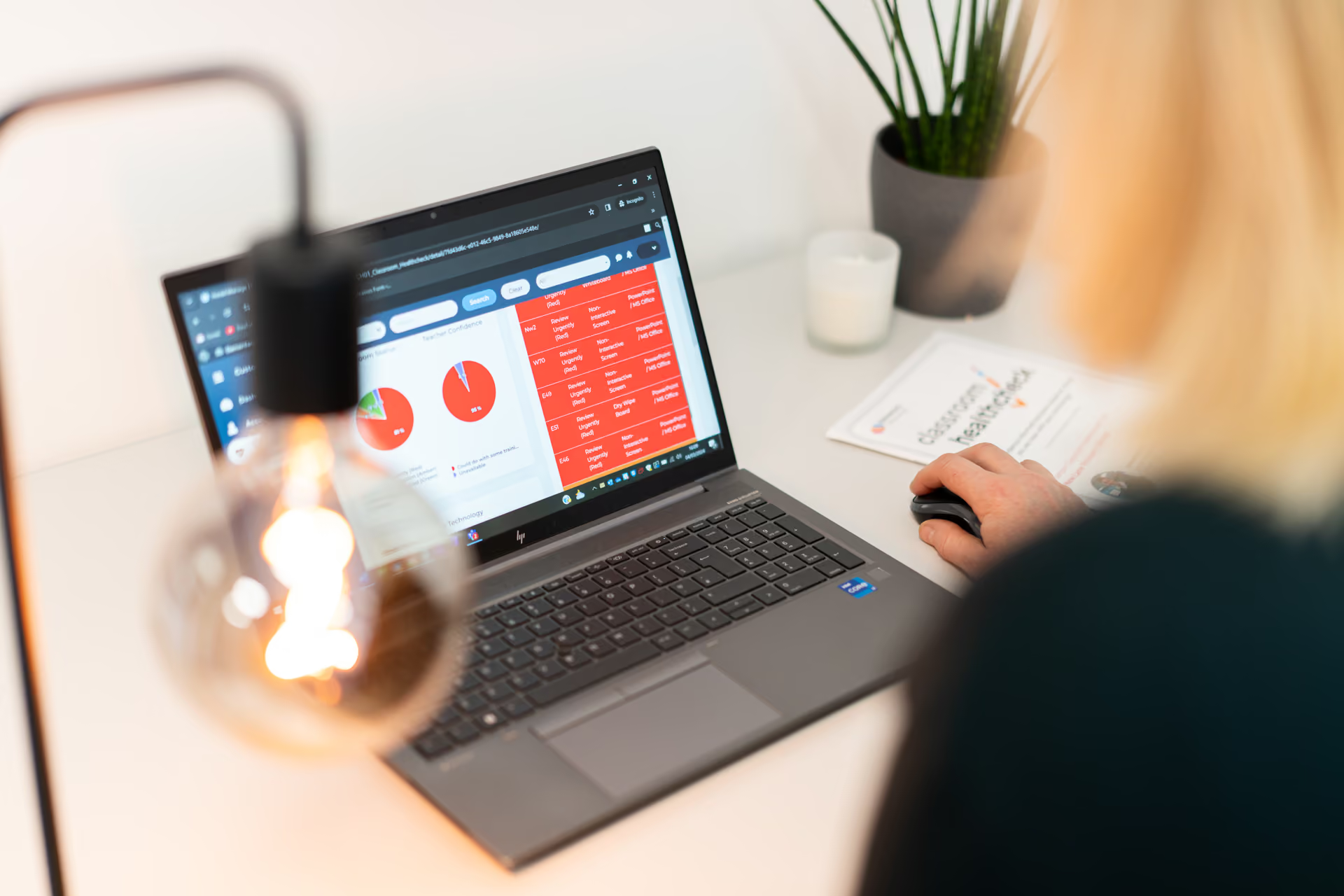
Understand where your school is now and how to make more of the technology you have, with our Classroom Healthcheck® - hardware, software and user experience in all areas.

Technology in education is fast-moving, complex and what works for one school or trust may not work for yours. We'll help you make the right, fully-informed choices with confidence.
We'll walk you through the process keeping you fully informed at every stage - delivery, installation, setup and onboarding for teachers, leaders and IT teams.
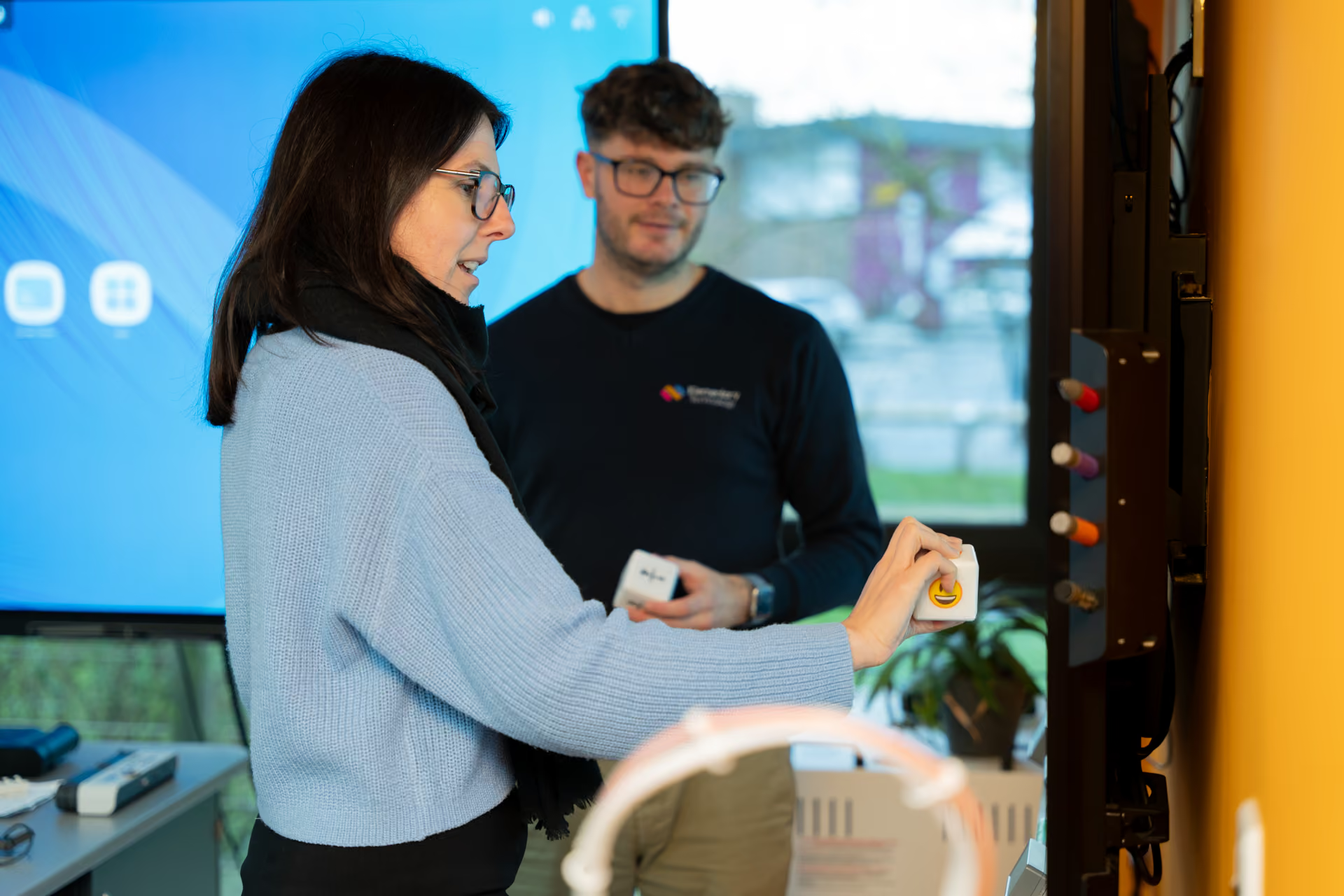
Your EdTech arriving is still only the beginning. It's after this that the magic happens, and we're here to make sure it does. Our bespoke CPD services cover a range of hardware and software platforms.
Schools need technology to create impact, and this evidence-informed process helps make this happen. Ask us about our research services to understand impact in your school.
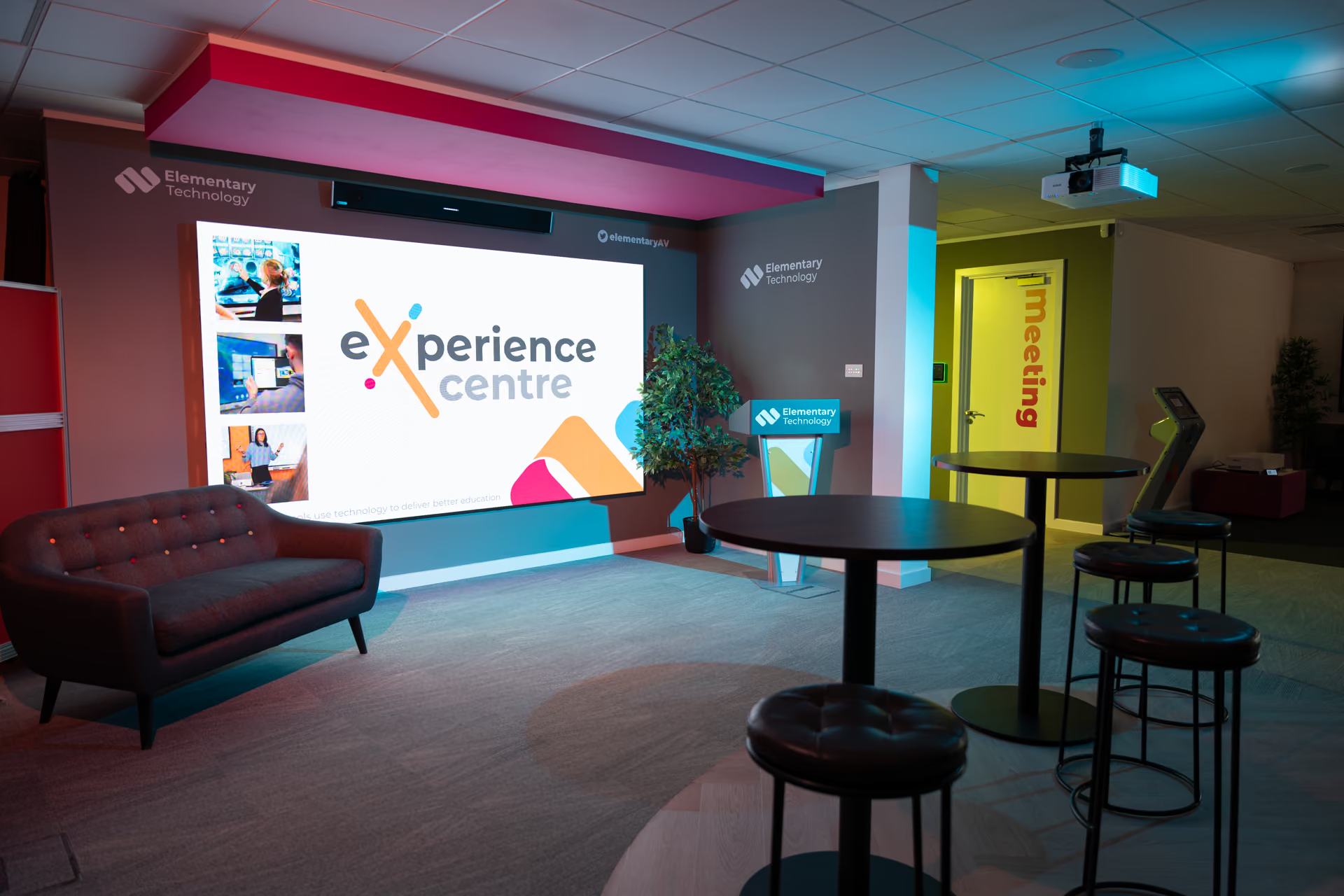
Visit us in-person, live online or on a virtual tour
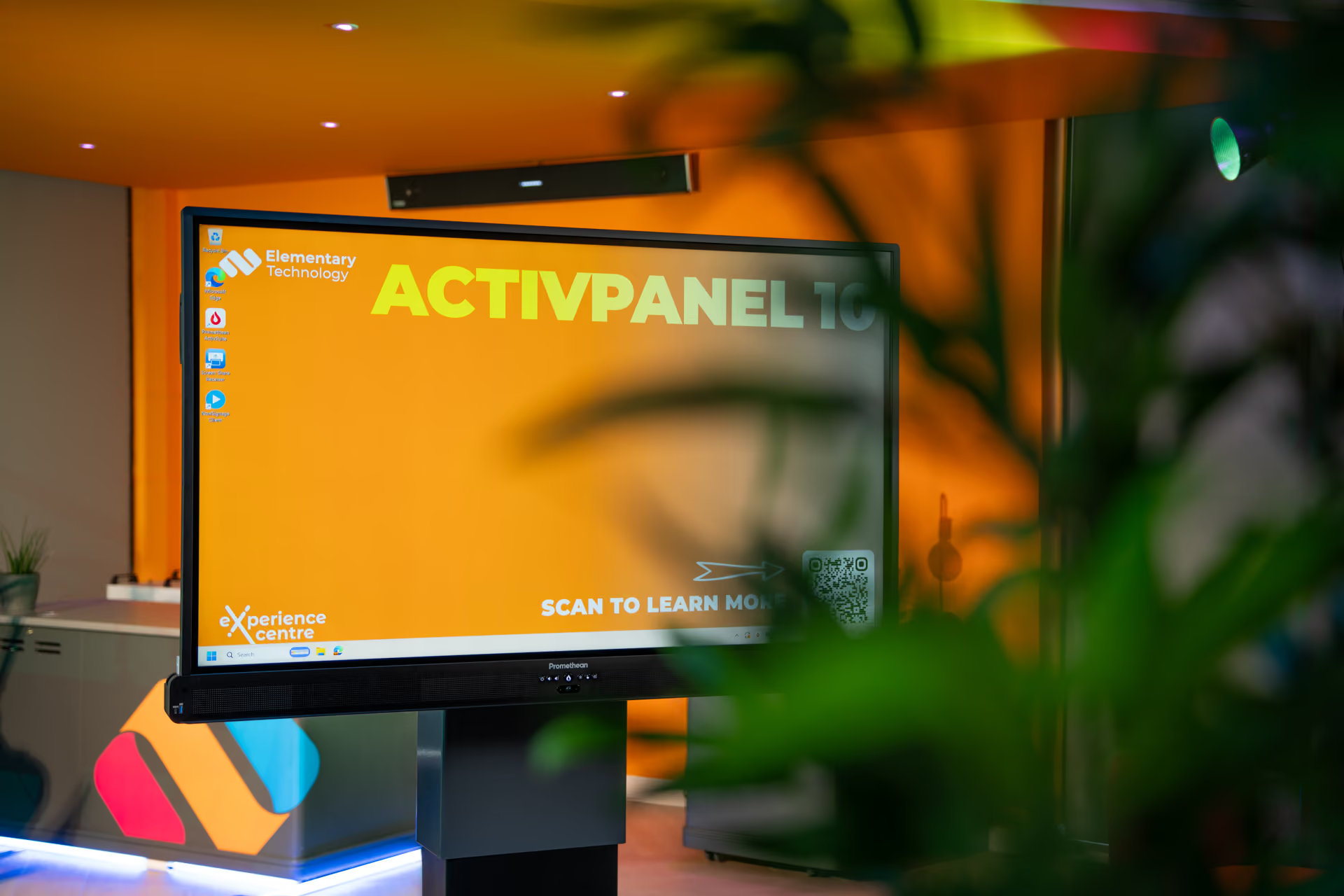
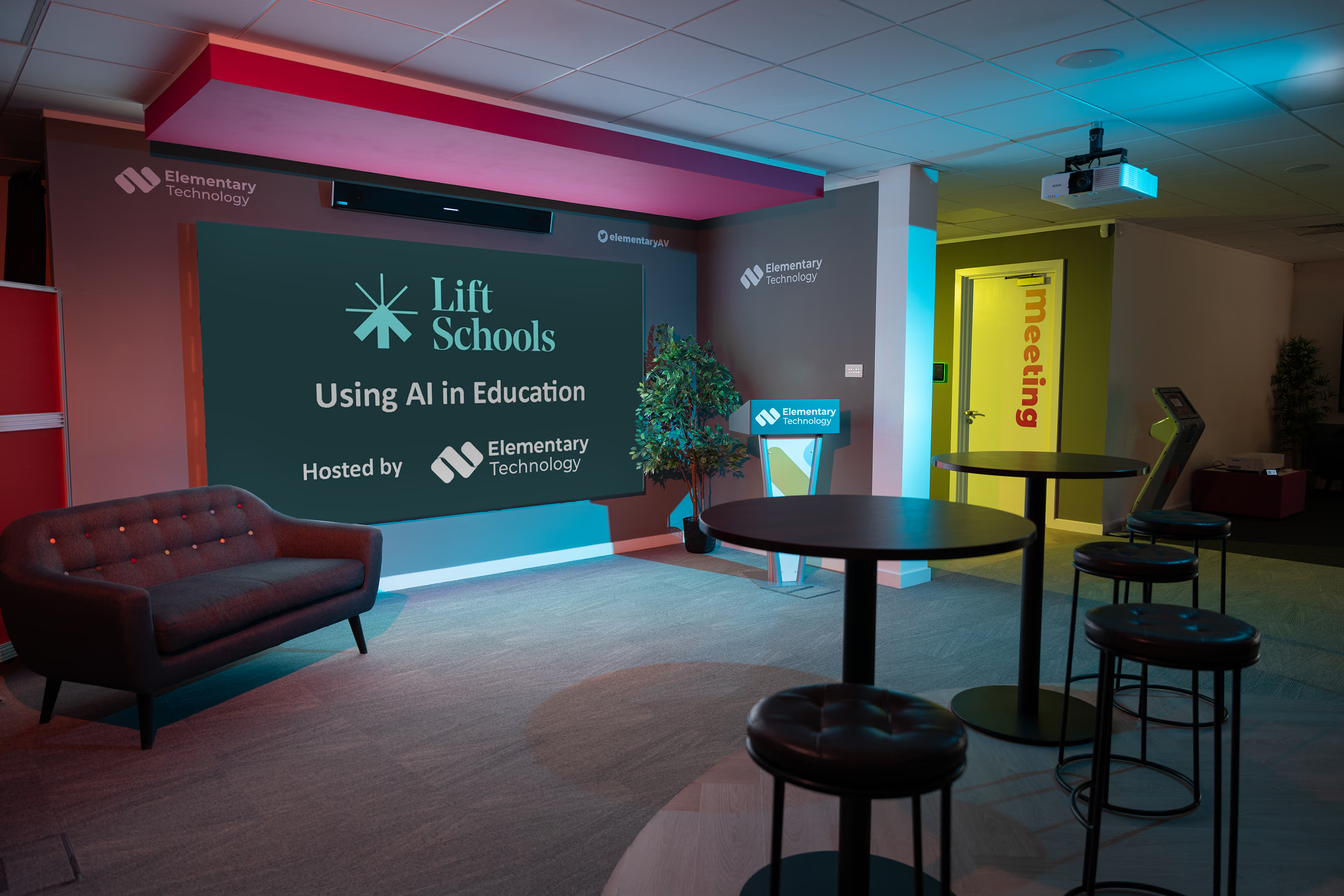
Our Experience Centre is a world-class space for education, full of technology, knowledge, skills and experience
We're continually exploring ways to give back
We support a number of good causes and are also generous to our education customers
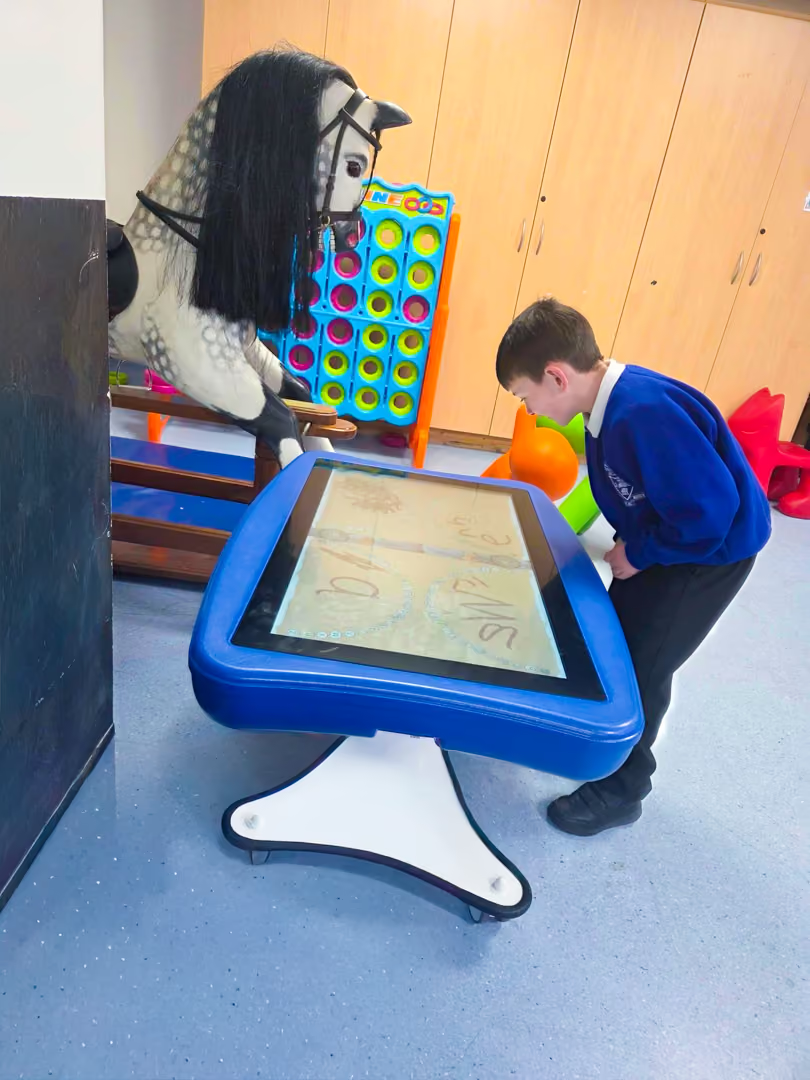
Giving
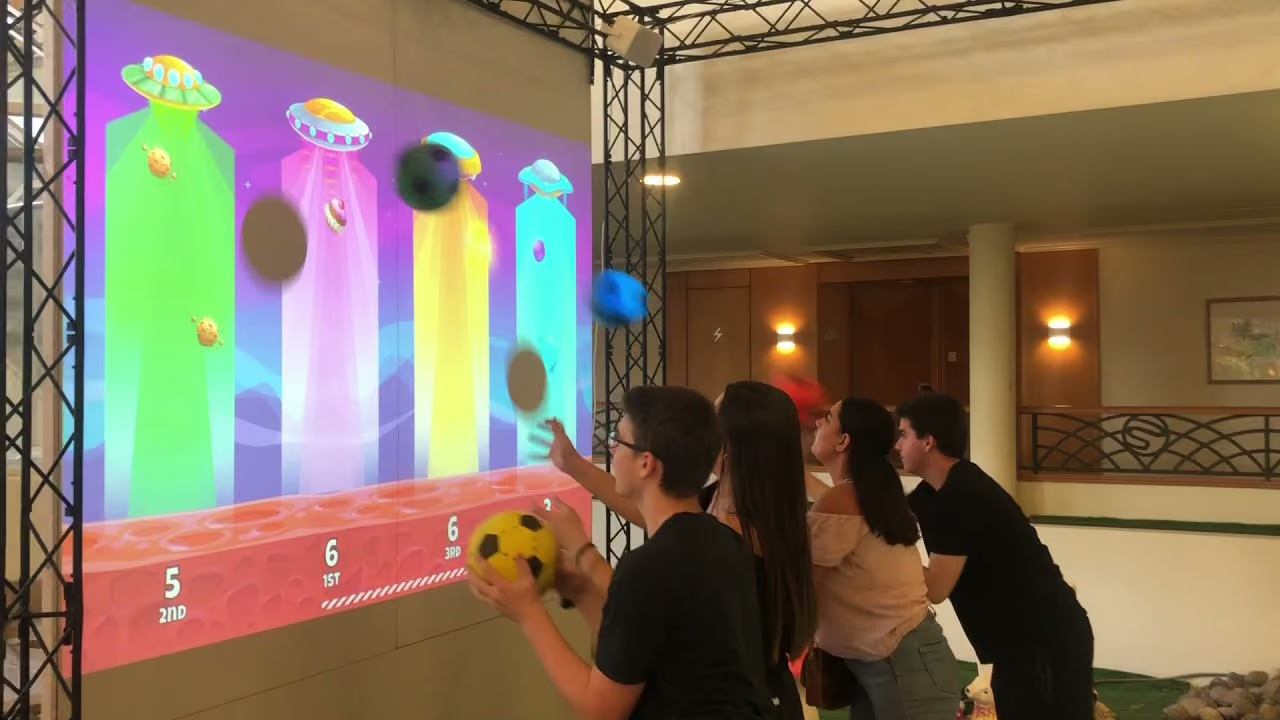
Hedgehog houses, recycling club prizes, a PlayPanel to a children’s hospital ward, and more. We enjoy giving where it helps.

Fundraising
We’re always raising money for our chosen charity, the Children’s Heart Surgery Fund. Watch this space for sky divers in 2027!
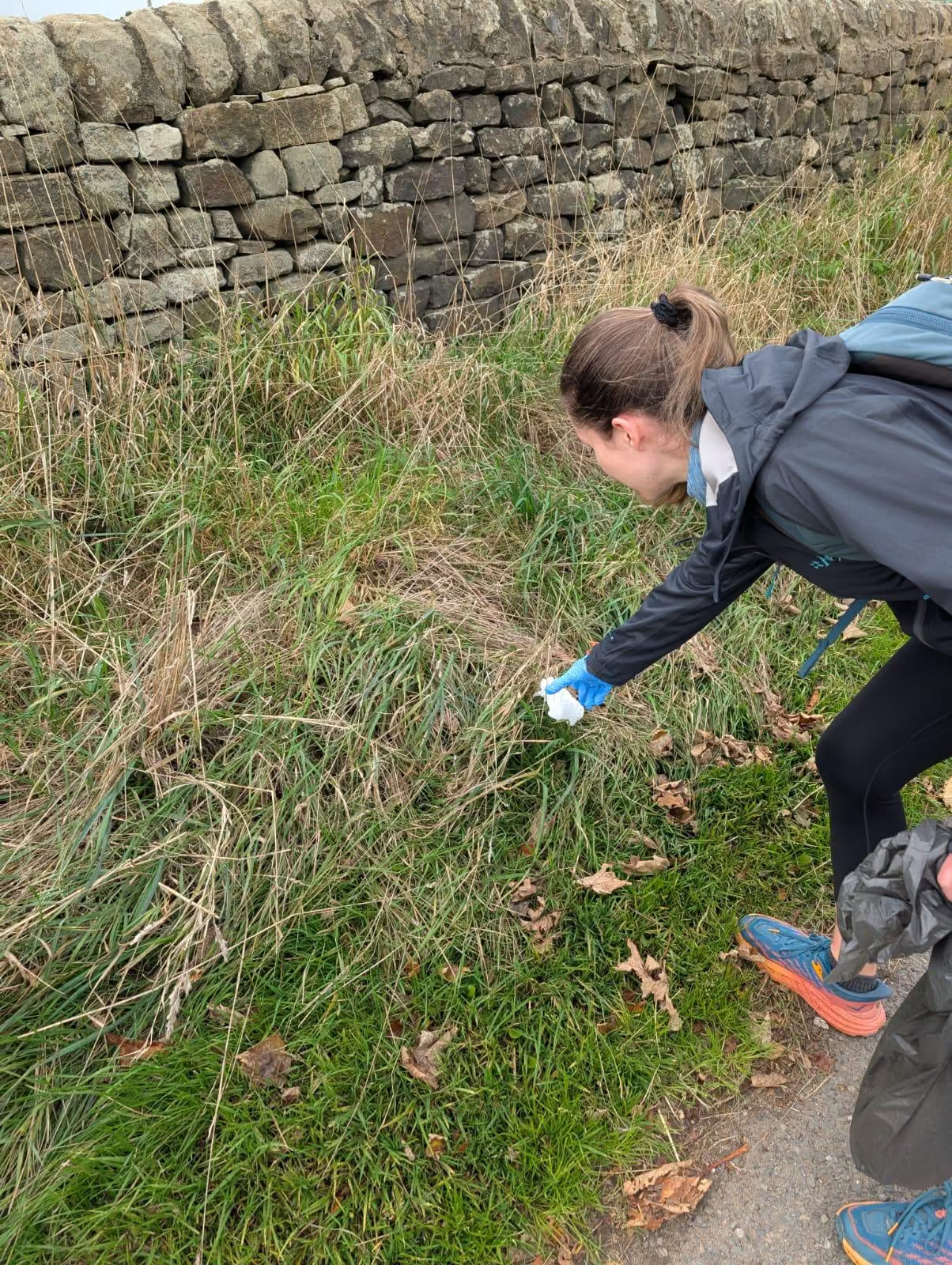
Volunteering
We encourage all our team to take a paid day of volunteering. We’ve looked after cats, planted trees and painted a school hall!
Questions schools ask us
How we can help and support you, through out your EdTech journey -
Most schools already own more capability than they use, perhaps because staff were never fully shown the features, or the setup doesn't suit how they teach. Our Classroom Healthcheck® helps define the technology you do have. Then we explore what this allows you to do, understand the extent this is happening and then identify what you’re missing out on. Our Training & Coaching services then step in – tailored training to help you make more of what you have, in a way that works for you.
For our core range, we offer our Get Set Go® Training as standard. These training packs contain video content designed in manageable sections for you follow through at your pace and keep to refresh as you require. These cover all the basics to get you started with your new technology. Some offerings have training sessions included as standard and training can be tailored to your requirements. Please discuss with your EdTech Consultant or our training team when planning your EdTech journey.
Start with an asset register, but also understand what’s actually being used, how, why, whether it’s consistent and also by whom. That is what our Classroom Healthcheck® helps with. It gives you evidence on what to keep, fix, retrain on or replace. For a trust, it also shows where schools differ, which makes spending decisions easier to explain and defend.
Firstly, understand the cost of doing nothing – financial, time and also environmental. Count repairs, teacher workload, lost lesson time, print costs and energy use. We can help with all the above. Then consider the purchase price of new technology, and the additional benefits it brings such as efficient management and freeing up time. Balance the two, over the lifetime of the technology which may be five years. The up front costs is likely to appear less of a barrier.
When the cost and disruption of keeping them going outweigh replacing them. Warning signs include frequent repairs, slow or unreliable performance, out-dated and unsupported Android, patchy software support and staff working around problems. Our Classroom Healthcheck® gives you condition and usage data screen by screen, so you replace what needs it and leave the rest.
Buying outright often has a lower financial cost, but leasing can make better financial sense for many schools. Spreading payments avoids large capital spend, keeps budgets predictable, and lets you refresh more classrooms sooner rather than waiting years for funds. It also offsets the hidden costs of ageing technology, such as repairs, downtime and lost teaching time. The best route depends on your funding and plans, and we can help you work through different procurement and budgeting scenarios. Also, more than ever, leasing is now actively encouraged by the Department for Education to improve affordability.
Give them what they need to ask good questions. That means what you have now, what it costs to keep, what you're proposing and what changes for pupils and staff. Governors and trustees respond to plain evidence and a clear plan more than product features. We help schools and trusts put that together, using Classroom Healthcheck® findings and whole life costs to show the options and the risks of waiting.
Get independent advice, insist on evidence of success elsewhere, experience the technology yourself and involve multiple stakeholders. Know what you already have, what your staff need and what you can afford over the whole life of the equipment. Then see the options working, with people who will tell you when a product isn't right for you. Our Experience Centre exists for that. You can compare properly, ask awkward questions and decide with confidence.
Your IT provider is often excellent at networks, devices and security, and you should keep them close. Classroom AV is a different discipline. Screen choice, room layout, audio, teaching software and staff training all shape whether the technology gets used well. A specialist brings that experience and works alongside your IT team. It's what we do every day, and we always set up and onboard IT teams as well as teachers.
Look for a supplier who asks about your school before your budget, and who is happy for you to compare options. Check they can show the technology working, project manage installation and agree up front how they’ll stay involved for training and support. Ask about compliance, sustainability, how they give back as social value. Ask for success stories and real evidence of impact from similar projects. Their answers tell you a lot.
The best way is to experience it in person, with your own staff, before you commit. Our Experience Centre lets you a range of technology side by side, and try software properly rather than watching a demo. Bring teachers and your IT lead. If travelling is difficult, we can arrange a demonstration in school or liveonline. Either way, you shouldn't be relying on a simple recommendation, andcertainly not from a specification sheet.
Begin by looking at what each room and each pupil group actually has. Access often varies more than leaders realise, between classrooms, year groups and, in trusts, between schools. Then look at software, accessibility features and how confident staff and pupils are with them - if they even understand they exist, that is. Our Classroom Healthcheck® covers hardware, software and user experience in every area, so gaps become visible and you can prioritise spend where it makes the biggest difference to fairness.
Use a recognised, compliant route, as public sector procurement rules apply to schools and compliant procurement is essential. This can involve sourcing of multiple quotes, or else a DfE-approved framework such as Everything ICT is also a good option. Keep your paperwork clear at each stage, because auditors and governors may ask how you reached your decision.
Treat it as a project with one owner, a clear timetable and a consistent standard, whilst ensuring those on site are consulted and appraised with progress. Survey every site first, so you know what is really needed. Then plan installation around school calendars, and make training part of the rollout, not an after thought. We project manage installations at scale for trusts, from pre-sales consultancy through to setup and onboarding, so your central team isn't left coordinating dozens of separate tasks.
More than most schools expect, and it varies widely between models and settings. Standby power, screen brightness and how long equipment stays on all add up across a building or a trust. Our Energy Calculator estimates the running cost and carbon impact of your current display technology and shows what a different choice could save. It's a useful figure to have before any replacement decision, and also helps inform your Climate Action Plan.
Through the choices you make at every stage. That means selecting energy-efficient equipment, running it sensibly, extending its life where it makes sense and disposing of it responsibly. Measure first, because you can't reduce what you haven't counted. We help schools with energy data, sustainability services and recycling, so technology decisions sit properly within your wider carbon plan and can be reported with confidence.
Don't leave it in a cupboard, and don't send it to general waste. Electrical equipment falls under WEEE regulations, and schools are expected to dispose of it properly and keep records. Some equipment can be reused or refurbished, and the rest should be recycled by a certified provider. We offer recycling and sustainability services alongside installation, so old kit leaves when the new arrives, with the paperwork done. We also work with charitable organisations who repurpose technology abroad.
Plan for training before the equipment arrives, and keep going afterwards. Staff need time to try things in their own subject, ideally with someone who understands teaching rather than just the product. Short, practical sessions beat one long inset day. Our CPD is delivered in school, live online, or in our Experience Centre.
Agree what good looks like, then give every school the same route to get there. A shared programme helps, but it needs to flex for different sites and starting points. It works best when trust leaders, IT teams and teachers are all involved. We design bespoke EdTech CPD programmes for MATs, blending live sessions with groups and also ‘train the trainer’ learning. The latter is usually essential to ensure day-to-day use becomes embedded, rather than tailing off after a single session.
Unsure? We can help
Discover where you are now, plan where you want to go, and let us help you on your EdTech journey. It all starts with a Classroom Healthcheck®


Getting started

Request a Quote
Tell us what you would like to know, and we'll start exploring your options for you.

Schedule a call
Is now not a convenient time for a phone call? Let us know a date and time and we'll call you back.

Call Us
Get in touch now by phone - our team are on hand and ready to answer your questions.